
FL Studio essentials
- Audio setup and project organisation
- Browser, Channel Rack and Playlist
- Patterns, tempo and workflow
Learn to compose, arrange, record, edit and produce complete music tracks in FL Studio, from your first beat to a polished release-ready project.
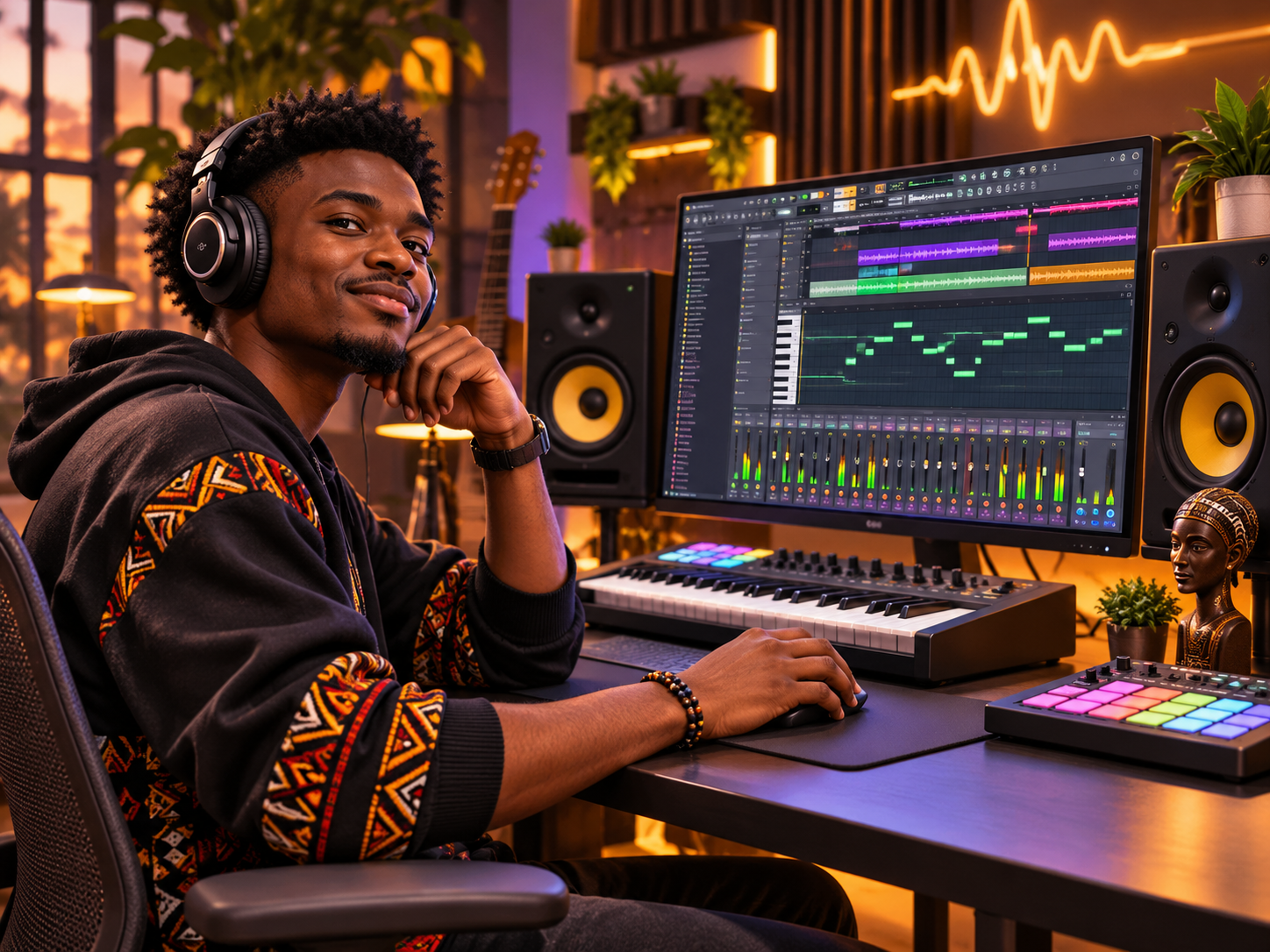
Learn to compose, arrange, record, edit and produce complete music tracks in FL Studio, from your first beat to a polished release-ready project.
Who this course is for: Beginners, aspiring beatmakers, independent musicians, DJs and content creators.
The following is a proposed learning pathway. The approved syllabus, assessment and lesson sequence must be confirmed with Ace College before enrolment.
Compose, record, arrange, mix and export an original three-minute music production, presenting the FL Studio project and final audio file.
FL Studio (learner licence where applicable), a computer, headphones or speakers, MIDI keyboard (optional), audio interface and microphone (optional). Confirm software access and licensing with admissions.
Ask the Ace College admissions team to confirm whether Music Production Using FL Studio (Beginner to Pro) is offered as a Diploma or Professional Certificate programme, as well as entry requirements, intake dates, delivery mode, tuition fees and assessment criteria. The outline shown is indicative and is not a guarantee of a specific syllabus.
Connect with Ace College to discuss Music Production Using FL Studio (Beginner to Pro) and request the current approved programme information.